An agent on Android XR glasses is a four-part system
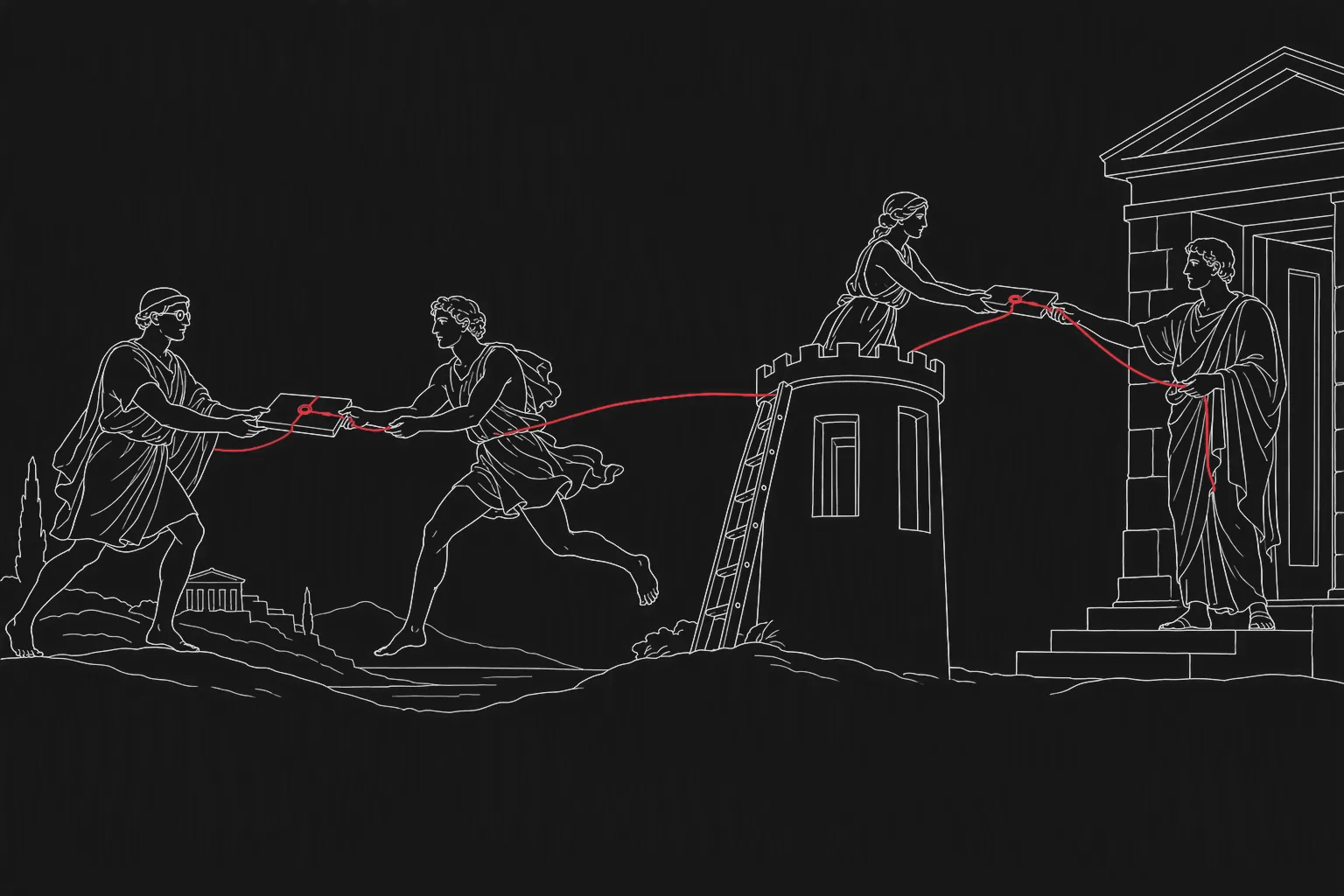
A technician looks at a pump and says: “log the vibration reading and order the seal kit.” Two seconds later the glasses show a confirmation. It looks like one action by one assistant. Behind it are at least four places where software ran, two identities that could have authorised the order, and one system of record that now holds a purchase request nobody typed.
That is the engineering problem with agents on glasses. The interface makes them feel like a single thing. They are a distributed system, and they fail like one.
Where the agent actually runs
Android XR is Google’s platform for XR devices — headsets, glasses with displays and audio-only glasses — built with Samsung and Qualcomm, with Gemini as the assistant layer. For glasses, the Android XR SDK offers Jetpack Projected, where an app runs on a host device such as a phone and projects its experience to the glasses, and Jetpack Compose Glimmer for interfaces on see-through displays. Google’s description of audio glasses goes further: the glasses are the voice and the camera, while the agent carries out multi-step tasks on the phone in the background.
Some glasses also bring their own computing. XREAL Aura, the first priced Android XR device in the display-glasses class, connects to a compute puck rated at 48 TOPS for AI work. So a real deployment can involve four layers.
Infographic
Four layers, one action
- 01The glassesCamera, microphones, display. Capture and show; may run some processing locally.
- 02The host deviceA phone or compute unit running your app and, often, the agent's tool calls.
- 03The cloudThe assistant model and any services it calls. What runs here is not fully documented.
- 04Your systemsMaintenance, stock, orders, records. Where an action stops being a suggestion.
Neither Google nor XREAL publicly sets out how much of the agent’s work happens on the device, on the phone or in the cloud. That is worth saying plainly, because it is the first thing an architecture has to decide around. Treat it as unknown, design so that the answer can change, and ask the vendors in writing.
Where these systems fail
Permission to see is confused with permission to act. The platform asks the wearer for camera and microphone access. It does not know that ordering a seal kit above a certain value needs a supervisor. That boundary has to live in your tool layer, in code, not in a prompt — the same argument as in whose credentials is your agent using.
The identity is ambiguous. Is the order placed by the technician, by the phone’s account, by a service account behind your app, or by the assistant? If the answer differs by layer, nobody can say afterwards who did it.
The log is split across vendors. The glasses, the platform assistant, your app and your back-end each keep a partial record, if any. An incident review needs one sequence: what was seen, what was heard, what was proposed, who confirmed, what changed.
Offline behaviour is undefined. A site with patchy signal will cut the link between layers in the middle of a task. Without a decision about what is queued, what is refused and what the wearer is told, the agent will either act twice or silently not at all.
Updates arrive from four directions. Glasses firmware, the platform assistant, your app and the model behind it can each change on their own schedule. An agent that passed its evaluation in May is a different system by October.
What to build instead
Put every action behind your own tool layer. The agent may propose anything; it may only do what a typed, permissioned tool on your side allows, with value limits and a confirmation step on anything that cannot be undone. Platform assistant features can be used for reading and navigation without being given write access to your systems.
Run one identity through the whole chain. The wearer’s own identity, carried from the host device to your systems, with the agent acting on their behalf and within their rights. Device and service accounts for transport, never as the author of a business action.
Keep your own decision log. Record at your boundary what the agent received, what it proposed, who confirmed and what changed, regardless of what the platform keeps. It is the record you will want in the first hour of an agent incident, and the one to ask any supplier for.
Treat it as a managed service from day one. An evaluation set re-run whenever any of the four layers updates, a device inventory, a way to narrow what the agent may do unattended, and somebody responsible for all of it. That ongoing work is what AI managed services exist for.
Start on the host device. Jetpack Projected and the glasses emulator mean the tool layer, the identity, the log and the offline rules can be built and tested on phones now. The glasses can come later — which matters in Europe, where the first wave of display glasses such as XREAL Aura is not shipping yet. How to scope that first pilot is covered in AI glasses: from a demo to a pilot that proves something.
A test you can run today
Pick one action you would want an agent on glasses to take. On one page, write which of the four layers sees the request, which one decides, which identity the action is recorded under, and where the log lives. If any line reads “the platform handles it”, find out from the vendor’s documentation whether it does. Where the documentation is silent, that line is your design work.
Our part
In AI agents engineering we build the part you own: the tool layer, the permissions, the evaluation set and the decision log, designed so that the device or the platform underneath can change. We do not resell hardware or platforms. More about predictes is on the home page.
- Android XR
- on-device agents
- agent permissions
- observability